Comparing Calendar Services for Business
A detailed overview and comparison of the most popular calendar services for business use.

Choosing the right calendar service is crucial for effective planning and organization of business activities. In this article, we compare the most popular options.
Main Selection Criteria
When choosing a calendar service, it is important to consider the following factors:
- Integration with other tools - Compatibility with email, task managers and project tools
- Sharing and collaboration - Ability to share calendars with colleagues and teams
- Mobile apps - Quality apps for iOS and Android
- Security - Data encryption and privacy protection
- Price - Cost-effectiveness for business use
Comparison Table
| Service | Integration | Mobile app | Price/user |
|---|---|---|---|
| Google Calendar | Gmail, Meet, Docs | Excellent | Free / $6 |
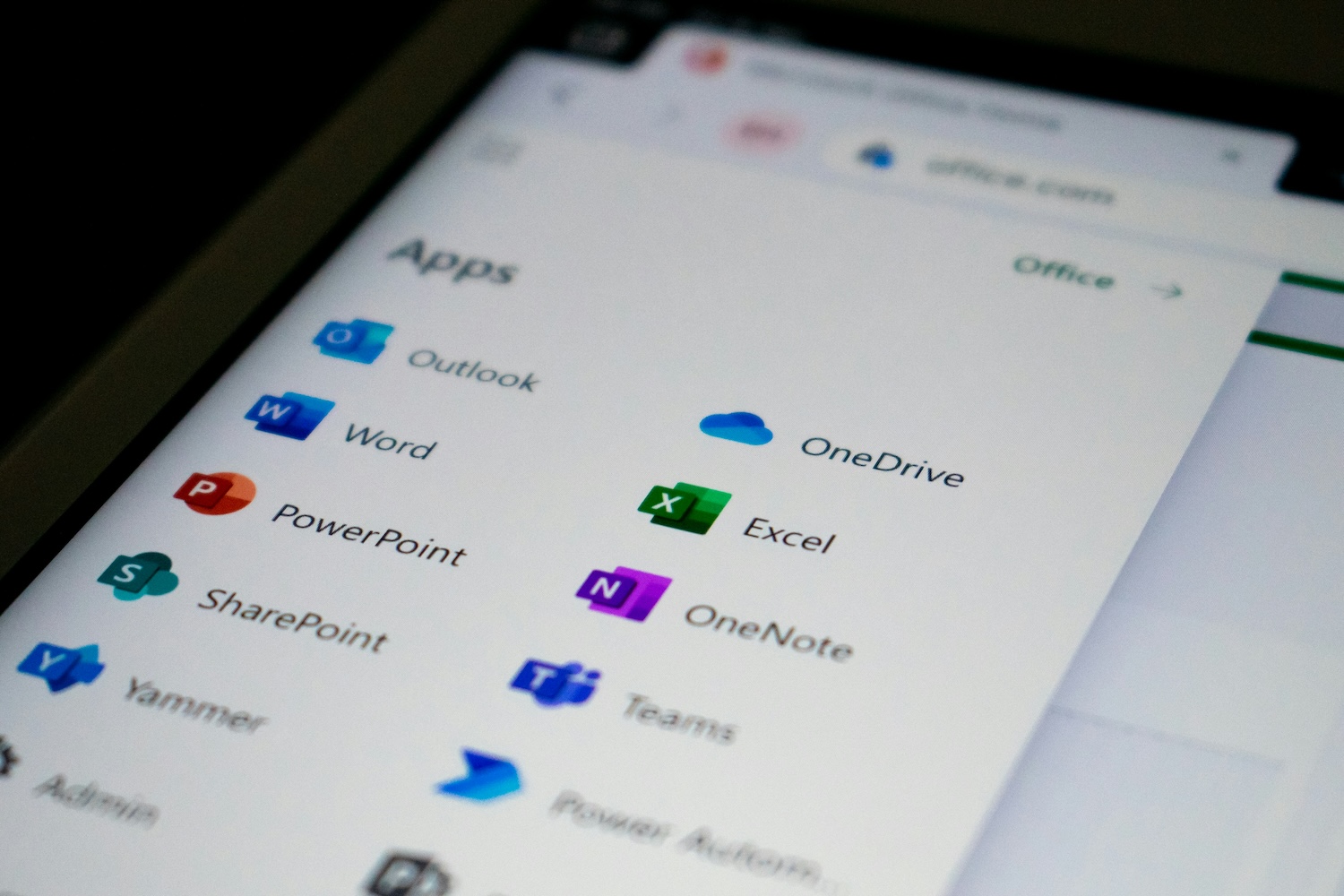
| Microsoft 365 | Outlook, Teams, Office | Very good | $5 - $12 |
| Apple iCloud | Apple ecosystem | Excellent (iOS) | Free / $1 - $10 |
Conclusion
Each service has its advantages. Google Calendar excels in simplicity and integration, Microsoft 365 is ideal for larger companies with complex requirements, and Apple iCloud is the best choice for companies using Apple devices.
With SyncMyDay, you can use the best of multiple services at once! Automatic synchronization ensures that your events are always up to date across all calendars.
Start syncing your calendars today!
No double booking, no stress. SyncMyDay handles it automatically.
✓ 14 days free • ✓ No credit card • ✓ Instant activation